




 Stable APK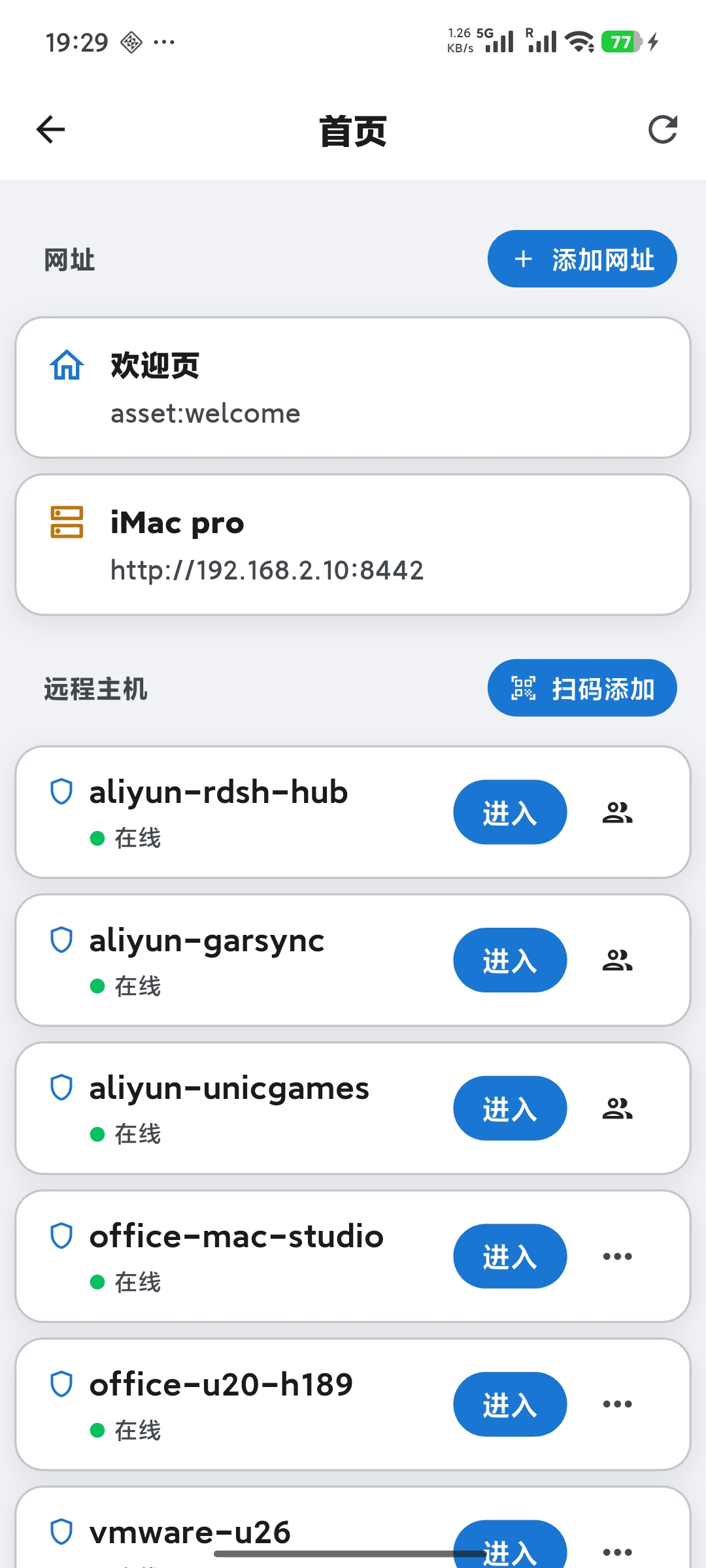

About this app
WhaleLink is the voice layer between you and your AI agents — speak instead of typing, listen to the replies, and keep working.
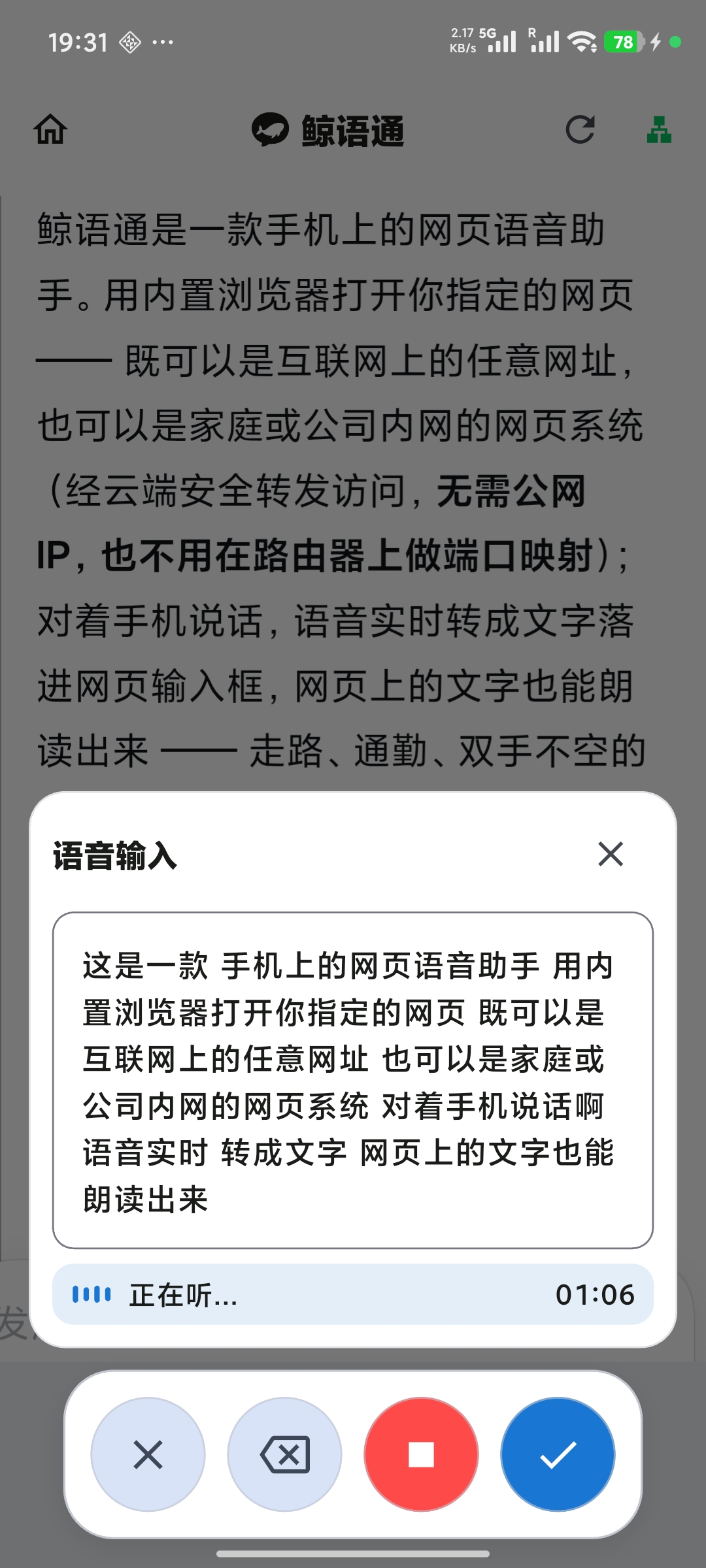
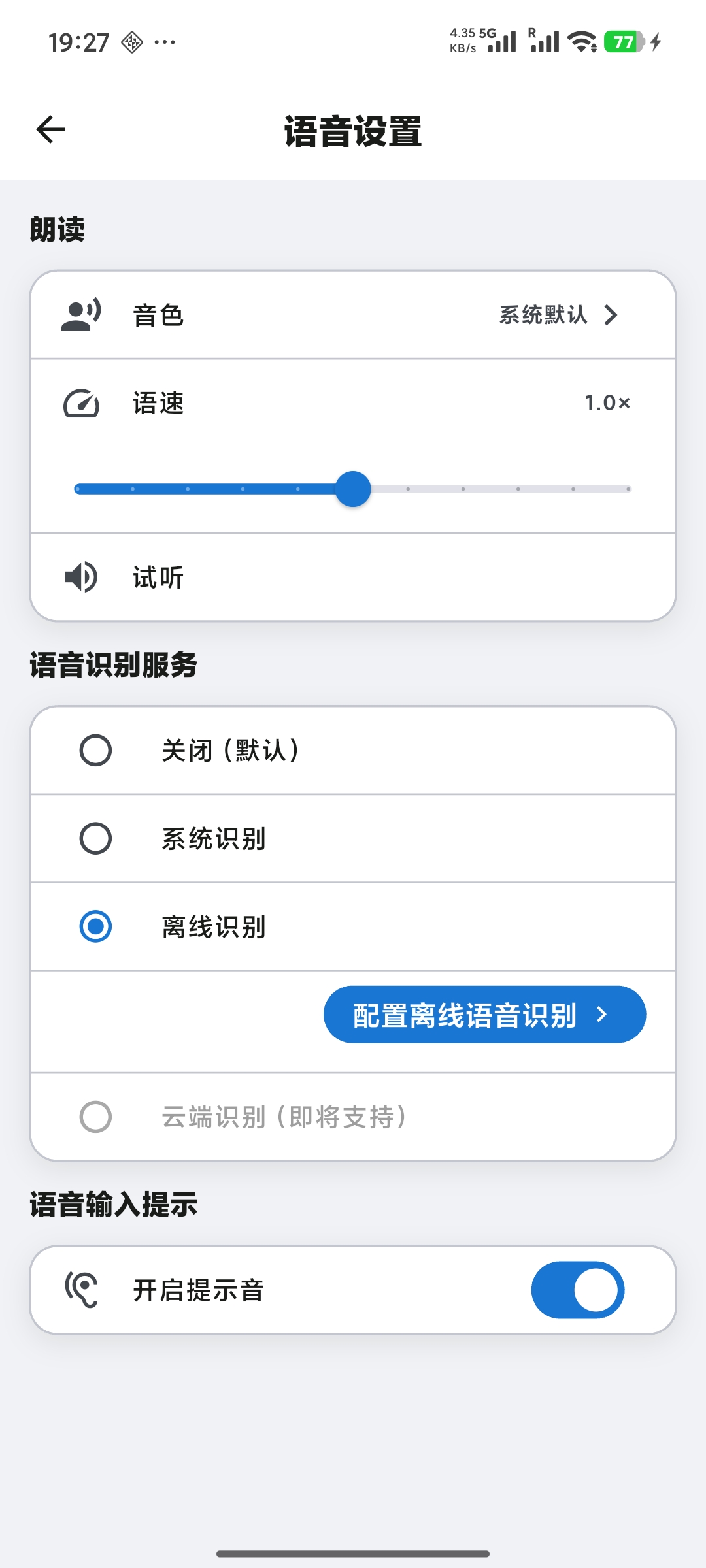
No typing: speak and it becomes text in the page's input box; replies are read aloud so you can listen while doing something else. Choose system recognition or offline on-device recognition, so your voice never leaves the device.
The complete setup — three parts working together:
- WhaleLink: the voice layer on your phone;
- WhaleLink secure connection platform: accounts, host registration and authorization, and encrypted relay across networks;
- host-side gateway: installed on your host, it listens for connections and forwards them to the web service.
Whether the page runs on a machine in your LAN or an instance in the cloud, WhaleLink connects securely: LAN-direct first (faster, less data), and automatic encrypted relay when you're elsewhere — no config juggling.
Features
🎙️
Voice input
Speak to type, with multi-segment accumulation and editing before sending — no mode switching.
🔊
Read aloud
Web pages read aloud automatically; voice, speed and preview all adjustable, so you can listen without watching the screen.
🖥️
Host connection
Add a computer as a host — LAN-direct or via cloud relay, switch anytime.
⚡
LAN-direct first
Prefers a direct connection on the same network for lower latency; falls back to relay otherwise.
🌐
Access from anywhere
The host opens an outbound tunnel that traverses NAT and firewalls (outbound only), so your phone can securely reach intranet web systems on any network — especially suited for mobile working.
🧭
Built-in browser
Opens web pages in a built-in browser with voice input and read-aloud on top — no extra browser needed.
🔐
Account & security
Sign in with username / email / phone; two-factor authentication and end-to-end encryption.
📱
Interface & preferences
Six UI languages, light/dark theme, voice prompt sound, and keep-awake.
Help & Support
The help center offers the user guide, FAQ and changelog. You can also reach us in the app under Settings → Help & Support.